
Back to Resources
Guides1 min read
Quick guide: fixing common computer problems
How to spot and fix basic performance, connection and software problems before calling a technician.
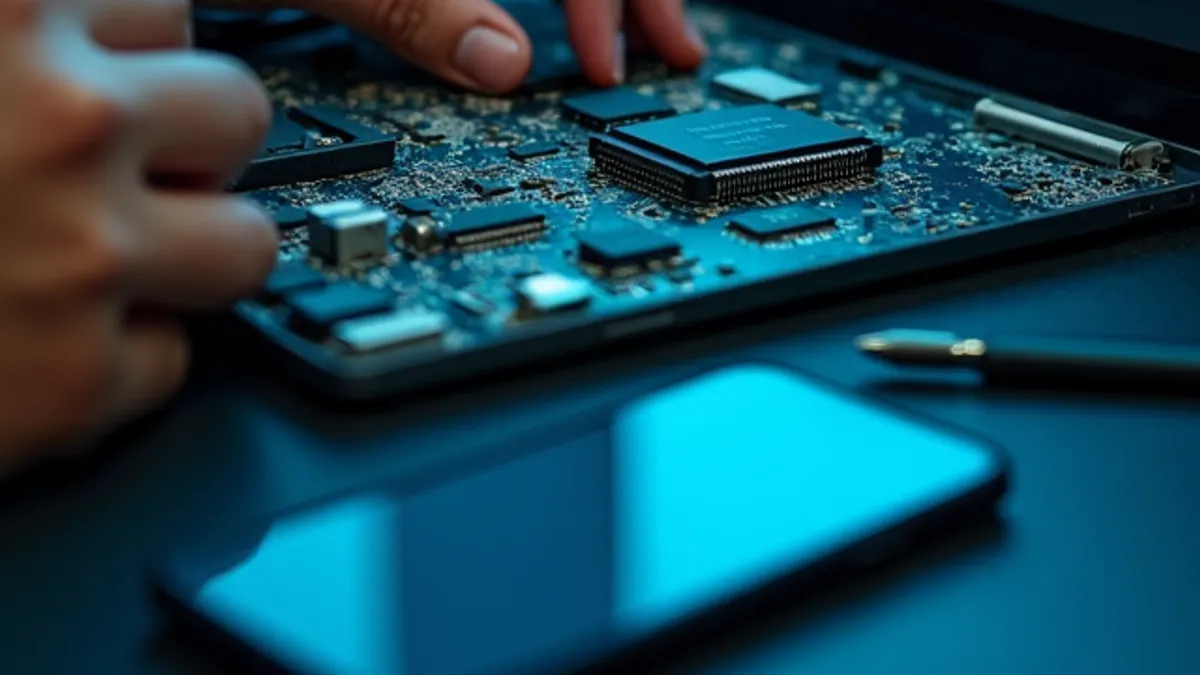
Before taking your computer to the shop, it's worth trying a few things. Plenty of issues can be fixed in minutes.
It's slow
- Actually restart it (closing the lid doesn't count).
- Check which programs launch at startup and turn off the ones you don't use.
- Make sure at least 15% of the drive is free.
It won't connect to the internet
- Check whether other devices are online.
- Restart the router: unplug it for 30 seconds.
- Forget the Wi-Fi network and reconnect.
A program keeps crashing
- Install pending system and app updates.
- If it started after installing something new, uninstall it and try again.
If none of that works, or the computer makes odd noises, runs very hot or won't turn on, it's time for a diagnosis. Better to check it before the problem gets worse.